How to Sell Laser Engraved Products on Etsy in 2026
Summary
Selling laser engraved items on Etsy is more profitable than most guides suggest — but only if your pricing math starts in the right place. This post covers the 4–6× multiplier framework, which product categories are converting in 2026, and the Etsy SEO move that most new shops overlook entirely.
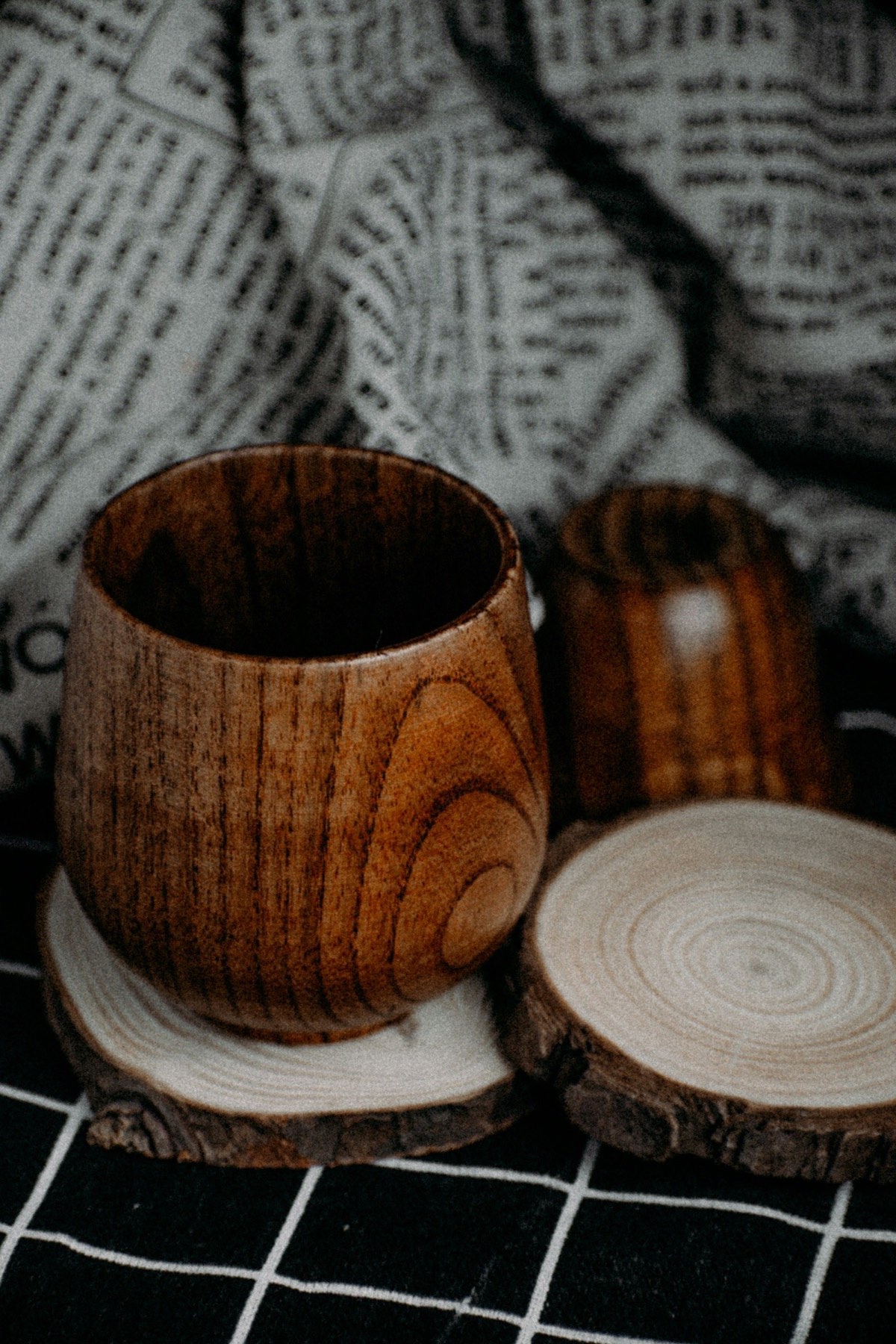
Most guides to selling laser-engraved products on Etsy start with shop setup steps. This one starts with money math — because if the pricing doesn’t work, nothing else matters.
Once you have a pricing framework that produces a real margin, everything else — shop setup, Etsy SEO, photography — is execution. Skip the foundation and you’ll build a shop that’s busy and broke.
Quick answer (50 words): The standard laser pricing rule is material cost × 4 for simple items, × 5–6 for personalized pieces, plus a $5–$15 personalization fee. A $1.25 slate coaster sold in a set of 4 should price at $25–$32 minimum. If you can’t hit that multiple, choose a different product.
The pricing framework
The most widely cited rule in the laser-engraving business community is the 4-to-6 multiplier: final price = material cost × 4 (simple items) to × 6 (personalized pieces). This accounts for your time, overhead, Etsy fees (~6.5% transaction + $0.20 listing), packaging, and a margin worth showing up for.
Source: thecraftmap.com/blog/how-to-sell-laser-engraved-items-at-craft-fairs and makerflo.com/blogs/craft-library/how-to-price-laser-engraved-products (as of July 2026 — verify at source; pricing strategy advice changes as platform fee structures change).
Pricing worked examples
| Product | Material Cost | Multiplier | Base Price | With Personalization Fee | Net After Etsy Fees (~6.5%) | |
|---|---|---|---|---|---|---|
| Slate coaster (single) | $1.25 | ×5 | $6.25 | $11.25 (+$5 fee) | ~$10.50 | |
| Slate coaster 4-pack | $5.00 | ×5 | $25.00 | $40.00 (+$15 fee) | ~$37.40 | |
| Wood keychain | $0.80 | ×6 | $4.80 | $14.80 (+$10 fee) | ~$13.84 | |
| Personalized cutting board | $12.00 | ×5 | $60.00 | $75.00 (+$15 fee) | ~$70.13 | |
| Wood coaster 4-pack | $4.00 | ×5 | $20.00 | $35.00 (+$15 fee) | ~$32.73 | |
| Engraved leather wallet | $6.00 | ×5 | $30.00 | $45.00 (+$15 fee) | ~$42.08 |
Note: Etsy fee structure includes a 6.5% transaction fee plus $0.20 listing fee plus payment processing fees that vary by country. The “net after Etsy” figures above are approximate. Verify the current fee schedule at etsy.com/help/article/102 before setting prices — fees change.
If your material cost doesn’t support this multiple: either find a lower-cost material source, increase the complexity/perceived value of the product, or choose a different product. Do not undercut the multiple and hope volume compensates — it doesn’t.
What’s actually selling on Etsy in 2026
Based on community reports and SERP evidence (as of July 2026 — markets shift):
Consistently strong performers:
- Personalized wedding items (coasters, ornaments, cutting boards, favor tags)
- Custom pet products (pet name signs, pet memorial ornaments, pet portrait frames)
- Home decor engraving (personalized family name signs, house number plaques)
- Personalized drinkware (tumblers, mugs with engraved designs)
- Seasonal ornaments — especially around October through December (start building inventory in August)
Emerging 2026 categories (community reports, not verified sales data):
- Multi-layer 3D designs (stacked wood layers for shadow-box effect)
- Mandala coaster bundles as starter home-decor sets
- Digital SVG files for sale to other laser users (sell your designs, not just physical products)
Community sources report laser-engraved product searches on Etsy up approximately 47% year-over-year, with average order values in the $35–$75 range and profit margins of 60–85% for successful shops (Source: tyvok.com/blogs/news/how-to-sell-laser-engraved-products-on-etsy-in-2026 — as of July 2026, verify at source).
Etsy SEO: what actually works
Etsy’s search works differently from Google. The platform prioritizes recent activity, strong listing conversion rates, and match quality between search terms and your title/tags.
Titles: Front-load the most specific search phrase. “Personalized Slate Coasters Set of 4 — Custom Name Engraved Wedding Gift” outperforms “Slate Coasters” for conversion rate because buyers searching for wedding gifts self-select in before clicking.
Tags (you get 13): Use all 13. Mix specific long-tail phrases (“custom wood coaster set” “engraved wedding favor”) with broader single terms (“personalized gift” “laser engraved”). Don’t repeat exact words from your title — Etsy already indexes those; use tags to expand coverage.
Descriptions: The first two sentences matter most (shown in preview). Lead with what the product does for the buyer (“A personalized set of 4 slate coasters engraved with your family name — perfect for a housewarming gift or adding a custom touch to your home bar”). Specifications and care instructions follow.
Photos: Etsy is a visual platform. You need at minimum 5 images:
- Main listing photo — product on a clean neutral background, well-lit natural light
- Lifestyle shot — product in use context (coaster under a mug on a coffee table)
- Close-up of engraving quality
- Scale reference (product next to a common object)
- Variation options (if you offer multiple designs or materials)
Zero-budget photography setup: a piece of white poster board as backdrop, positioned near a north-facing window for even diffuse light, and a smartphone camera in portrait mode. This outperforms most ring-light setups for product detail shots.
Personalization logistics: how to handle it
Personalized products (names, dates, messages) are your highest-margin items — but they require a workflow to avoid errors:
- Collect personalization in the Etsy “Notes from buyer” field — tell buyers in the listing exactly what format to use (e.g., “First name, last name — wedding date in MM/DD/YYYY format”)
- Create a template file for each product in LightBurn with a text zone — just swap the text and run
- Proof before cutting — screenshot the LightBurn layout and compare to the order; one letter error on a $45 cutting board is a full replacement
- Offer proofing for orders over $30 — send the customer a design preview before cutting; reduces errors and increases customer confidence
The “laser on demand” advantage
Community practitioners consistently report that personalized-while-you-wait booth setups at craft fairs outperform static inventory booths. You can apply the same logic to Etsy: clear, fast lead times (“Ships in 2–3 business days”) combined with straightforward personalization options often outperform shops with long turnaround times or complex customization menus.
If you can commit to a 3–5 day ship window and stick to it, your shop’s conversion rate and reviews will compound faster than a shop with 2-week lead times.
Opening your Etsy shop
Basic setup checklist:
- Shop name: Keep it close to your brand. “LaserCraftLabShop” or your studio name works. Etsy limits name changes after setup, so choose carefully.
- About section: Real story behind the shop, even if it’s brief. Buyers on Etsy consistently report that a genuine About story increases purchase confidence.
- Policies: Set clear processing times, return policy (engraved items are typically final sale, which is standard and expected), and personalization instructions.
- Minimum 10 listings before promoting: shops with more listings get more organic Etsy traffic through their internal search system.
Common questions
How many listings do I need to start getting organic Etsy traffic?
Community consensus is that 10+ listings is the minimum for Etsy's algorithm to begin surfacing your shop in category browsing. However, traffic from Etsy search grows with the age and conversion rate of individual listings — a shop with 5 well-converting listings can outperform a shop with 50 low-conversion ones. Quality of individual listings matters more than volume after the initial threshold.
Should I offer free personalization or charge extra for it?
Charge extra — the personalization fee is standard on Etsy and buyers expect it. A $10–$15 personalization fee on a $30 product is well within normal Etsy buyer expectations for laser-engraved items. Offering personalization "free" often signals lower quality to experienced Etsy buyers, and it removes your best margin lever. Set the fee, list it clearly, and collect it.
How do I handle returns on personalized items?
State clearly in your shop policies that personalized items are final sale — this is the Etsy standard for custom orders and buyers expect it. The exception: if you made an error in the engraving (wrong name, misspelling), replace it immediately at no charge and with expedited shipping. Error replacements handled well often result in your best reviews.
Should I sell digital SVG files on Etsy as well as physical products?
Yes — adding a digital product line (your original SVG designs sold as downloads) creates passive income with zero fulfillment cost. If you've developed designs that perform well in your physical shop, those same designs are sellable to other laser users. Price digital files at $3–$8 per design or $8–$25 per bundle. The commercial use license question is critical: specify clearly what buyers may and may not do with your files.
What's the biggest Etsy mistake laser sellers make?
Underpricing. New sellers routinely price at material cost × 2–3 to "be competitive," then burn out because the shop earns less than minimum wage per hour. The buyers who are shopping for the absolute lowest price are not your customers. Price at the 4–6× multiplier, photograph well, and you'll attract buyers who value quality and personalization over rock-bottom cost.
Related reading: 10 Beginner Laser Engraving Projects You Can Finish This Weekend — the products this pricing framework applies to. Laser Engraving Settings Cheat Sheet: Wood, Acrylic, Leather, Slate — settings for producing the products you’ll sell. Need the files to make what’s covered above? The Craft Fair Bestsellers SVG Bundle has 15 cut-ready designs proven to sell at craft fairs.
§ Disclosure
Heads up: this post contains affiliate links. If you buy through them we may earn a commission at no extra cost to you — it's how we fund independent research. Full disclosure.